
How to Buy a Gun Online
How to Buy a Gun Online: Step-by-Step Guide to a Legal and Secure Purchase
Buying a gun online is completely legal — as long as you follow the proper process and all federal, state, and local laws. Whether you're a first-time buyer or looking to expand your collection, this guide walks you through everything you need to know, from selecting your firearm to picking it up at a licensed dealer (FFL). Our goal is to make your checkout experience smooth, compliant, and transparent.
Step-by-Step Guide to Buying a Gun Online
1. Choose Your Firearm
Browse our wide selection of in-stock firearms and select the model that fits your needs. Before continuing, make sure your chosen firearm is legal to own in your state or locality. Once you're ready, click the “Add to Cart” button to start your secure online purchase.
2. Begin Checkout
 Click the cart icon at the top of the site, then select “Checkout Now” to begin the process to purchase your gun online.
3. Review Your Cart
 Double-check the items in your cart, review shipping costs and totals, then click “Start Checkout” to continue.
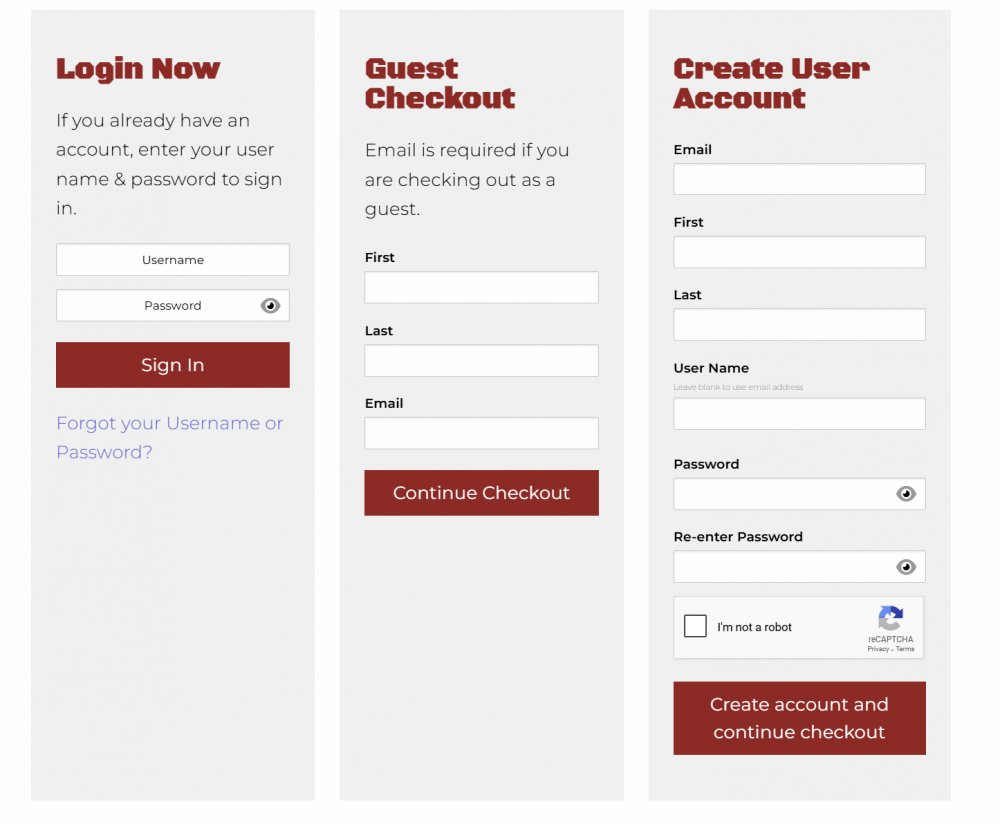 4. Choose Your Checkout Option
Select from one of the following options:
- Log In to your existing account
- Guest Checkout – just enter your first name, last name, and email address
- Create an Account – recommended for faster future orders, saving your favorite FFL, and tracking your order status
5. Enter Shipping Information
Choose from available shipping methods, then confirm or fill in your shipping address and phone number.
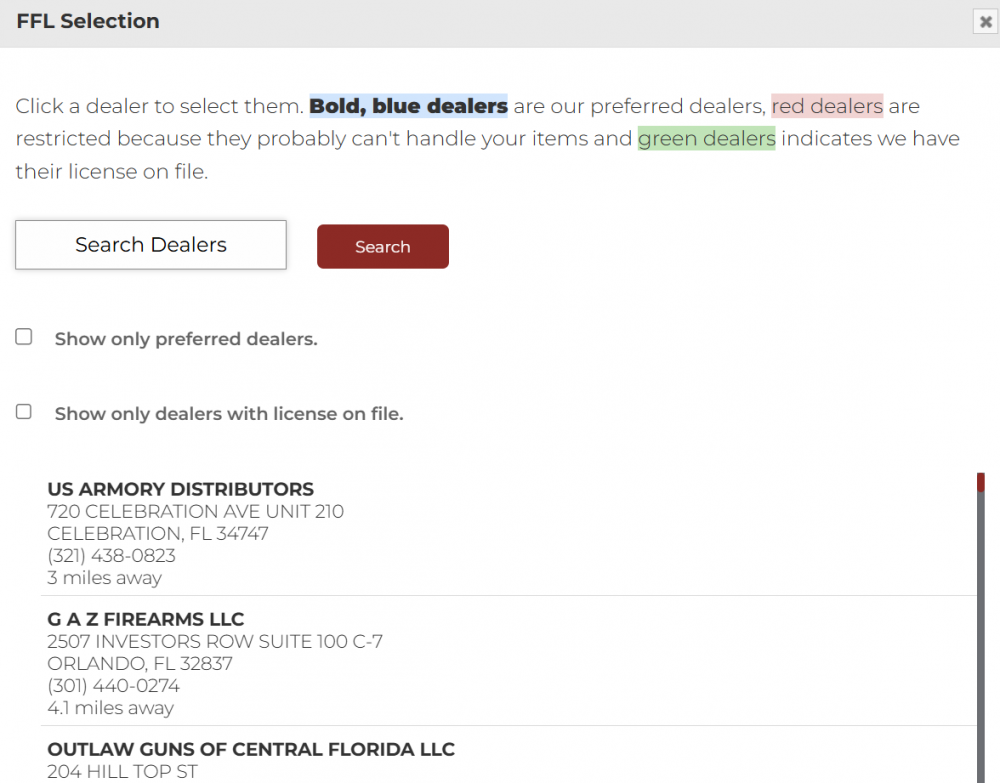 6. Select a Local FFL Dealer
To comply with federal law, all firearms must be shipped to a licensed Federal Firearms Licensee (FFL). Click “Select FFL,” enter your preferred dealer’s name, or select from the list of nearby FFLs.
7. Complete Payment Securely

Click “Next,” then “Add Payment Method.” Enter your payment details and complete your order securely through GunsInStock.com. After submitting, you’ll see a confirmation page and receive a confirmation email with all your order details.
8. Wait for Shipment & Dealer Notification
- Firearms usually ship within 7–10 business days
- You’ll receive tracking information once your item leaves our warehouse
- Your chosen FFL dealer will contact you when your firearm is ready for pickup
What to Expect at the FFL Dealer
- When your firearm arrives at the dealer:
- Bring valid government-issued photo ID
- Complete ATF Form 4473 (background check form)
- Pass a NICS background check (or present a valid permit, if applicable in your state)
- Pay any local FFL transfer fees, which vary by dealer
- Follow all state and local waiting periods or requirements
The dealer cannot release the firearm to you until all legal requirements are met.
Important Legal Note
Purchasing a gun online is subject to all federal, state, and local firearms laws. It's your responsibility to understand the regulations in your area before placing an order. We do not ship firearms to locations where they are prohibited by law. GunInStock.com will not process any order for or ship to: California, Colorado, Connecticut, Delaware, Hawaii, Illinois, Massachusetts, Maryland, New Jersey, New York, Rhode Island, Vermont or Washington.


